 ClipShare
Why I built this
Ever emailed yourself a link just to get it onto your phone? I did that for years. Same with photos: take a picture of a whiteboard, then go through some silly routine to get it onto the computer where I actually need it.
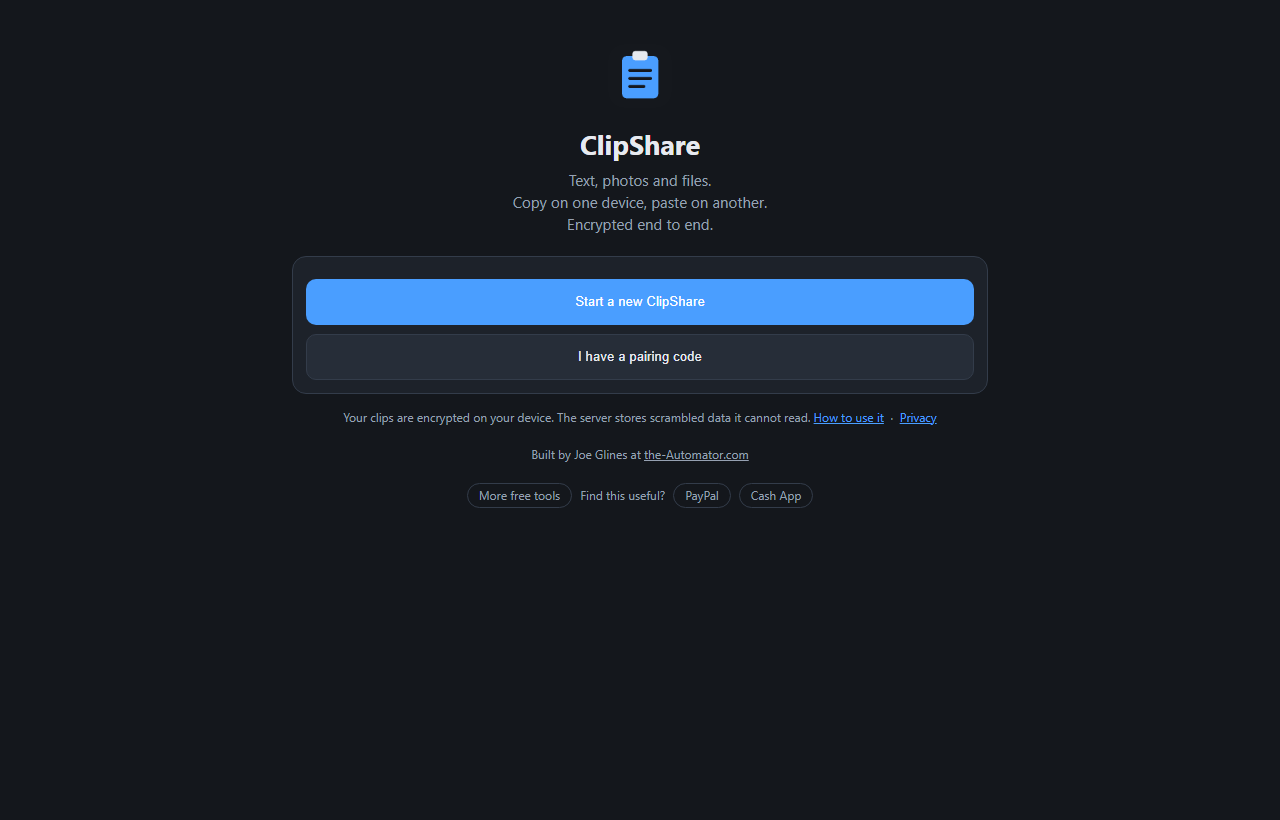
ClipShare fixes that. Pair your phone and computer once, and from then on you copy on one and paste on the other. No cable, no account, no app store.
How it works
- Start a ClipShare on your computer. Open the page and press Start a new ClipShare.
- Add your phone. Press Devices, then Add a device, and scan the QR code with your phone's camera. The pairing link is good for 2 minutes.
- Send something. Type or paste into the box and press Send text, or press File to send a photo or document.
- Grab it on the other device. It shows up in the list. Tap a text clip to copy it. Photos get Save and Share buttons, and other files download.
What the server can and can't see
Every clip is encrypted in your browser before it leaves your device. The key is created on your first device and travels to the next one inside the pairing link, in a part of the address that browsers never send to a server. So the server stores scrambled data it has no way to read.
To be straight about it: the server can see that a clip exists, its size, when it was sent, whether it's text or a file, and which of your devices sent it. It can't see what's in it. That also means I couldn't read your clips even if someone asked me to.
One thing to keep in mind: the pairing link carries the key. Anyone who opens it in its 2-minute window joins your ClipShare, so don't paste it anywhere public.
The limits, in plain numbers
ClipShare is for quick grabs, not long-term storage. Each clip can be up to 25 MB, and your ClipShare keeps the 20 most recent clips (100 MB total). You can send up to 60 uploads an hour and pair up to ten devices.
Clips are deleted after 7 days, and a ClipShare nobody has used in 30 days is removed. If you need a fresh start, the menu has Remove all devices and start over.
Why I ask for your email
Your email isn't attached to your clips. ClipShare has no accounts: your devices are linked by the pairing, and your clips are encrypted before they're uploaded. The sign-up just lets me know who's using the tool.
I might send you a note now and then about other free tools I build. I will never sell or give your email to anyone else.
Questions people ask
Is it really free?
Yes. No subscription, no ads, and no account to set up.
What can I send?
Text, photos and any other file type up to 25 MB each: PDFs, Word files, zips, audio, video. Only images are shown as a picture. Everything else is a download.
Do I need to install an app?
No. It runs in the browser on Windows, Mac, Android and iPhone. If you add it to your iPhone home screen, that icon starts empty and needs to be paired once, because iPhone keeps installed apps separate from Safari.
Can you read what I send?
No. Clips are encrypted on your device and the key never reaches the server. The server only sees sizes, times and which device sent a clip.
Can I copy a photo straight to my iPhone clipboard?
iPhone doesn't reliably allow that from a web page, so photos get Save and Share buttons instead. Text clips copy with a tap.
How long are my clips kept?
Up to 7 days, and only the latest 20. It's a clipboard, not a backup.